





Ship
Ships are the most essential part of venturing around Uncharted Waters Origin.
2_qgwCQGd.jpg)
Ships are not just a form of transportation,
but the center piece of all trading, adventures and battles that unfolds with Uncharted Waters Origin.
1) Ship Status
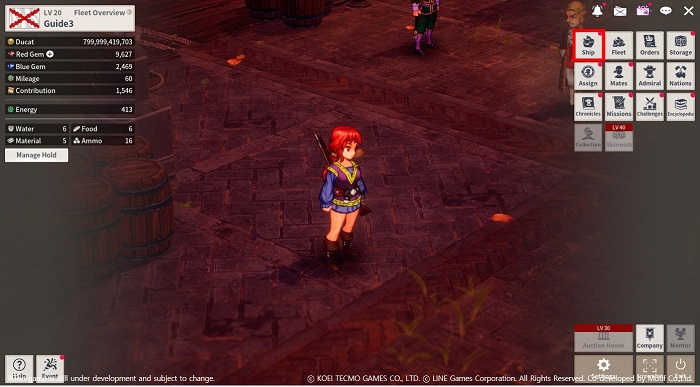
Current ships in possession can be viewed from [Menu] → [Ship].
2) Ship Details
The detailed stats of a ship can be viewed by selecting the Ship shaped icon at the bottom-left side of the menu.
This screen will display all of the current ships in possession, as well as the ships that are being built.
Selecting a ship that is assigned to the fleet will bring up the detailed info
and allow changing parts, or assign mates to each cabins.
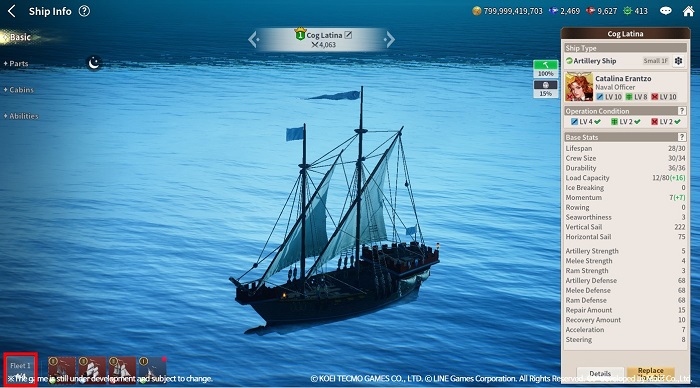
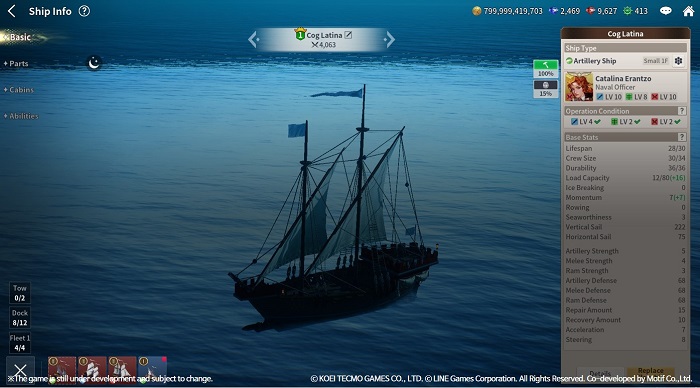
- Basic Info: Check the ship's appearance, combat power, durability and hold capacity.
The ship can also be selected to become the flagship of the fleet.
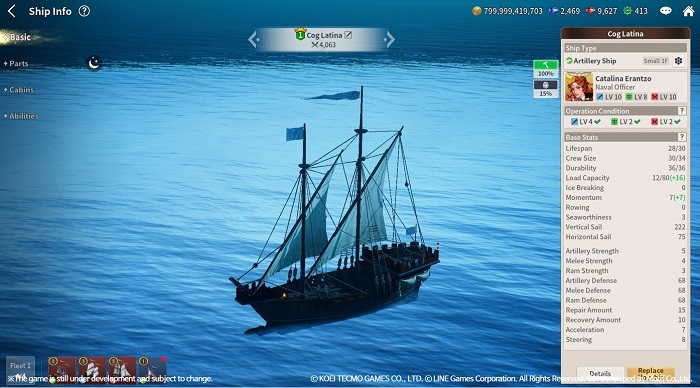
- Parts: Equip or change the parts currently equipped on the ship.
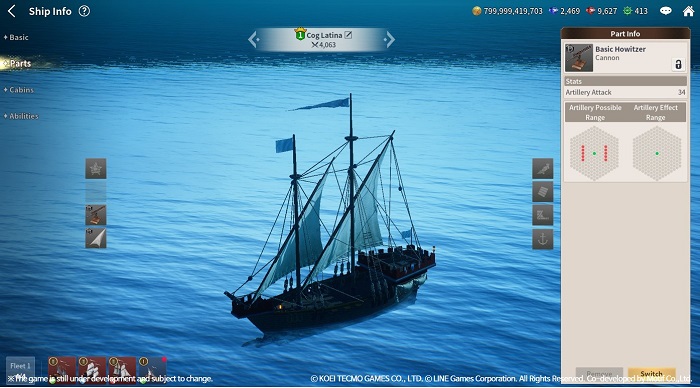
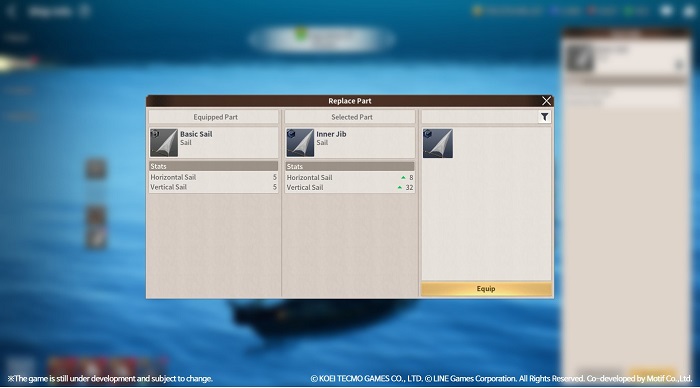
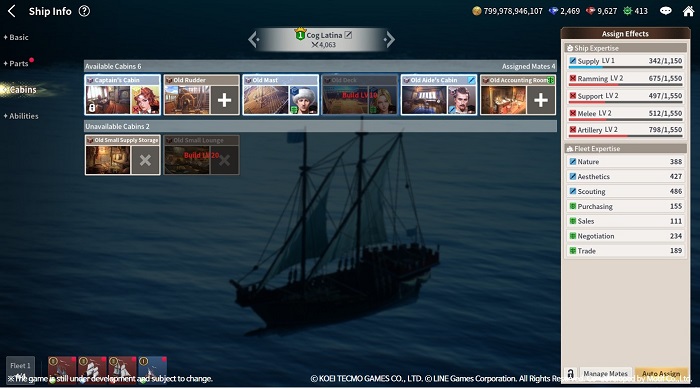
- Cabin: Check all of the mates who are currently assigned to each cabin.
Make sure to assign mates who synergize with the cabins to apply 100% of the expertise.
Inactive cabins become available upon increasing the proficiency for the ship.
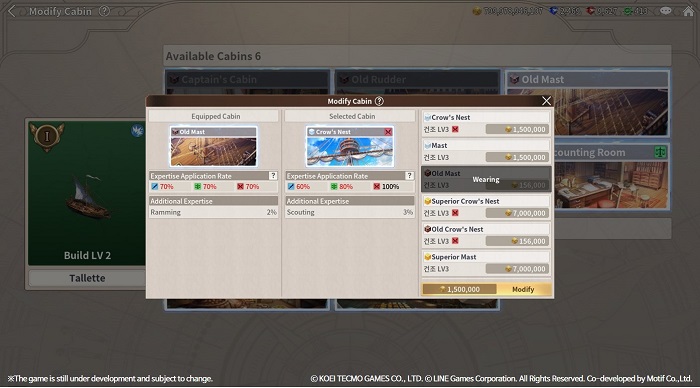
Select a ship from [Shipyard] → [Blueprint], and navigate to modify in order to switch out the available cabins for the ship.
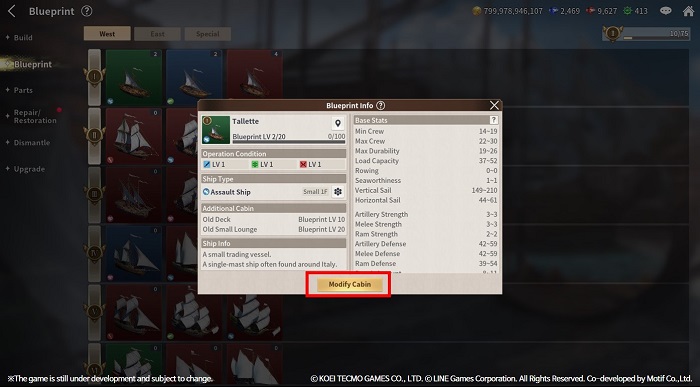
Once the cabins are modified on a ship, the change will be applied to all of the same model ships.
Cabins can either be upgraded to a higher grade cabin, or completely switched for a different purpose.
Each ship models have different list of available cabins.
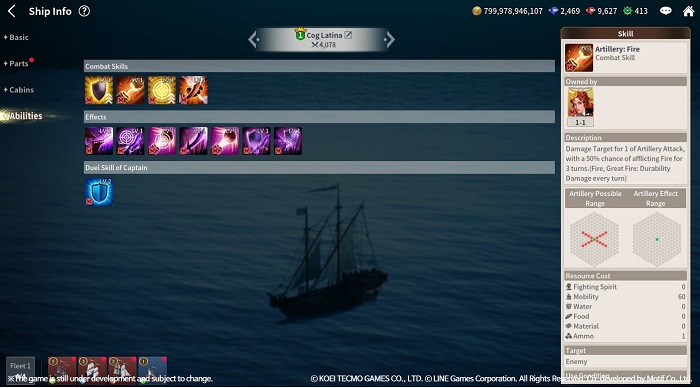
- Skill and Effect: Check all of the skills and effects that are available on the ship.
When there are more mates and parts with the identical skills, the skill and effect LV increases for the ship.
Move to the Login page?
Move to the login page?
두줄일떄 텍스트
등록한 상품 바로가기(링크)두줄일떄 텍스트
등록한 상품 바로가기(링크)두줄일떄 텍스트
등록한 상품 바로가기(링크)Your Game ID (NID) can be found in your game profile or settings.